

Isn't she so cute! I just had to have her and ink her up!

Using fonts segoe script and segoe print.

There's a lot happening at Tiddly Inks.
40% off sale
DT Call
New Releases
Freebies
New Store Look
Read All about it HERE.
I am also playing in Simon Says Stamp
Wednesday Challenge Make Your Own Background
I sponged my background waves and ocean with my handmade templates.

I am also playing in Simon Says Stamp
Wednesday Challenge Make Your Own Background
I sponged my background waves and ocean with my handmade templates.

Want to know how I did my background and sentiment?
I printed out my image once on cardstock and once on copy paper.
I cut out the image from copy paper, adhered removable tape on back and used it as my mask.
My cardstock is left whole so I can feed it back into the printer to print my sentiment.

I made two templates from copy paper using plain old scissors.
The top one is for my waves. The bottom one is for the ocean under the waves.
I put them where I wanted and sponged pulling downward from my stencil above and repeated for my layers using Tim Holtz blender and dye ink pad.
I followed this Hero Arts Video: Making Waves Tutorial HERE.

I removed my mask and ran it back through my printer.
Printing the sentiment on top of my sponged background.
Supplies:
Stamps: Wryn the Mermaid (Tiddly Inks) Paper: Recollections White 110# (Michaels) Ink: Aqua Mist (Papertrey Ink) Printer, Copics: YR23, Y17, Y21, C1, C3, C5, 0, R20, R22, R24, R29, YR02, YR04, YR07, E000, E00, E11, YG21, YG23, YG25 Accessories: Tim Holtz Blender Tool, Corner Chomper Techniques: Sponged Waves
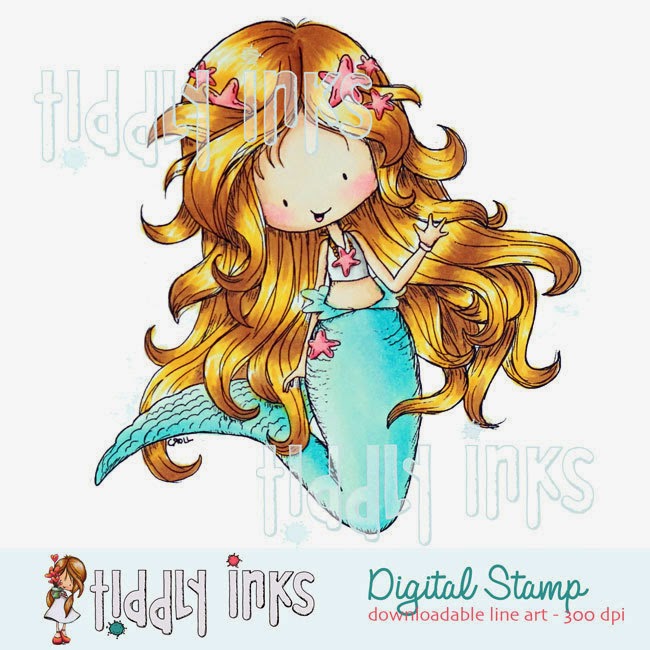 |
| Wryn the Mermaid |


